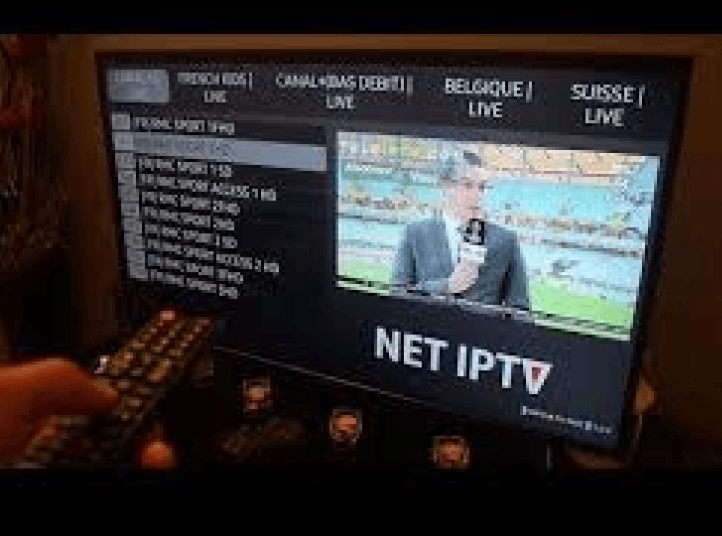
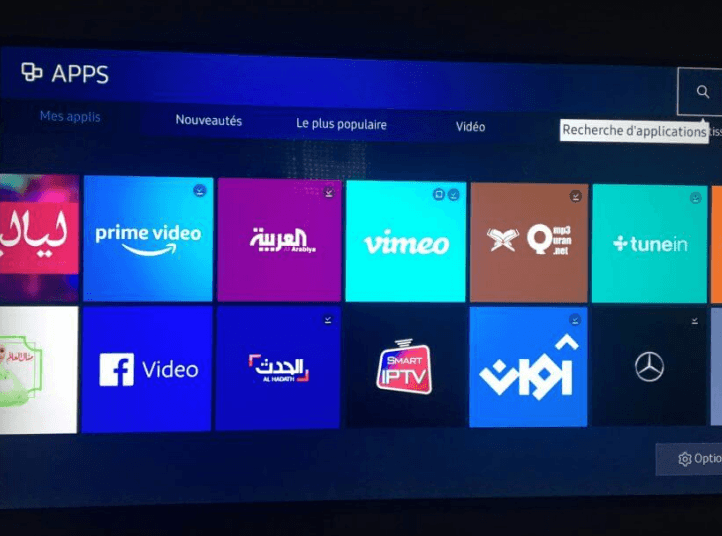
- 1Install the IPTV Smarters application developed by WHMCS SMARTERS. Depending on your TV model, the app name may vary between IPTV Smarters Pro and IPTV Smarters Player, which is why it is essential to check the developer's name.
- 2Enter your login credentials that appear on the Xtream codes received by email
Note: If, after installation, the channels are not working for you, go to the application settings, look for the stream format, and check the 'Default' option. Then, click the 'Save' button if available.

Click on the image to see the video